


Couldn't load pickup availability
WiFi Inching/Self-Locking Relay Module
WiFi Inching/Self-Locking Relay Module
SPECIFICATIONS
APP: Tuya/Smart Life
Brand Name: Scimagic-RC
Camera Equipped: No
Certification: CE
Choice: yes
Communication method: RF,Wi-fi
Compatibility: All Compatible
Feature: Inching/Self-Locking
Features 1: State feedback
Features 2: 1-3600 second delay
High-concerned chemical: None
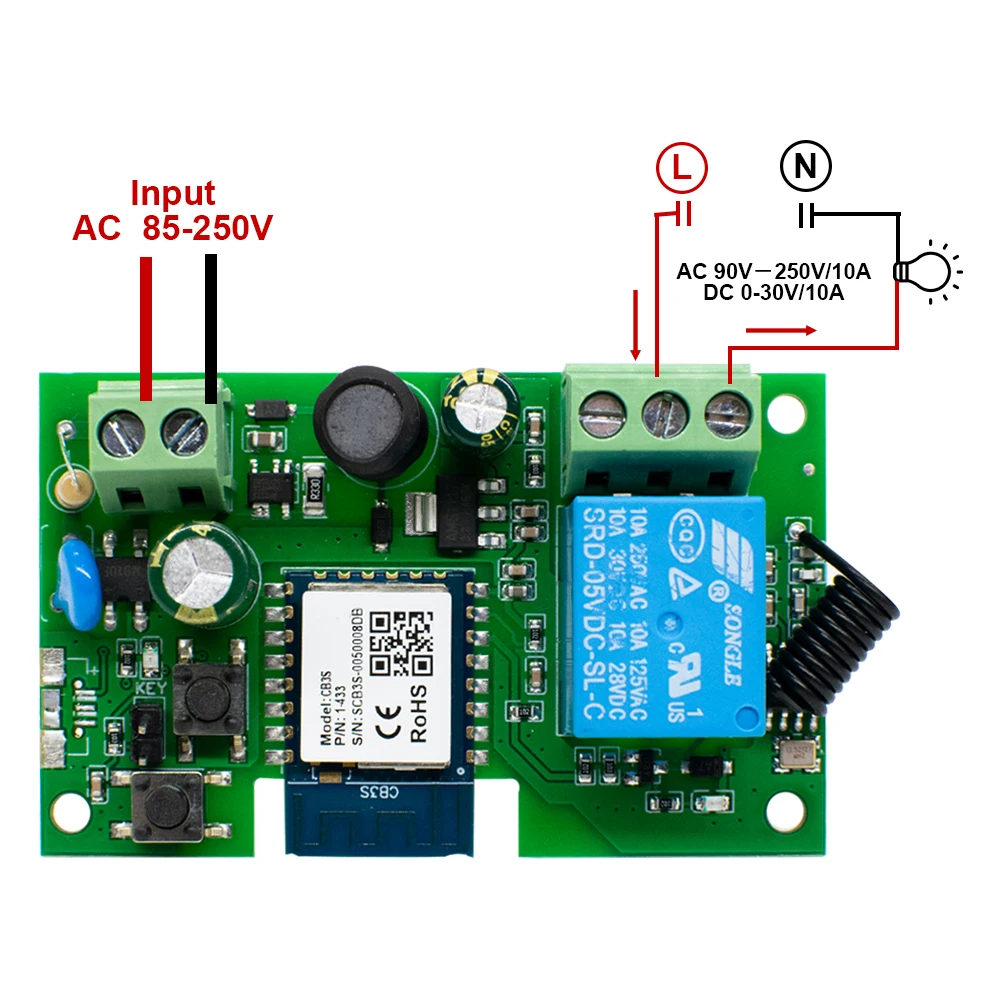
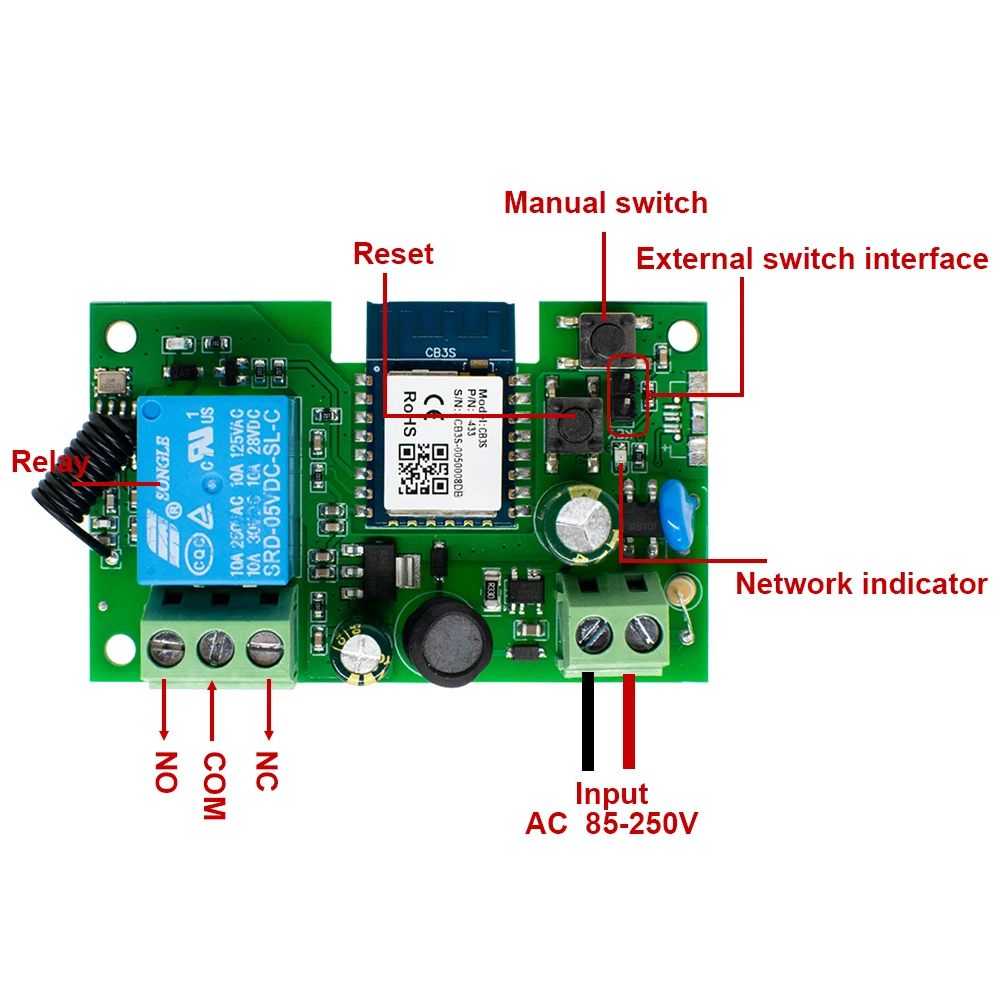
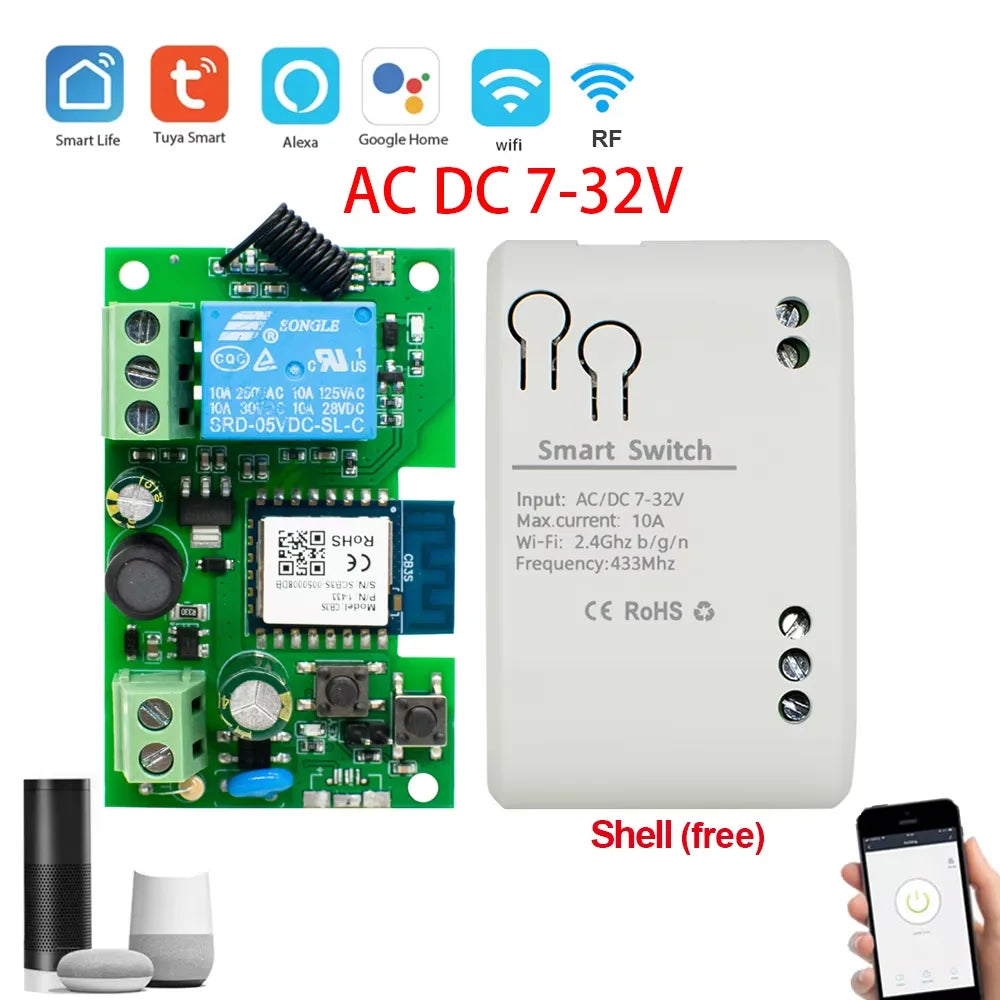
Input voltage: DC/AC 7-32V / AC 85-250V
Max.Current: 2200W/10A
Model Number: Wifi Smart module
Origin: Mainland China
RF: support RF433Mhz
Schedule: Max 8 group
State of Assembly: Ready-to-Go
WIFI Standard: WIFI 2.4ghz b/g/n(Don't support 5G)
Working temperature: -20-70℃
semi_Choice: yes
Tuya Smart Life DC 12V 24V 32V AC 220V Wifi Switch Intelligent Module inching mode RF433 Remote Control Work with Alexa Google Home
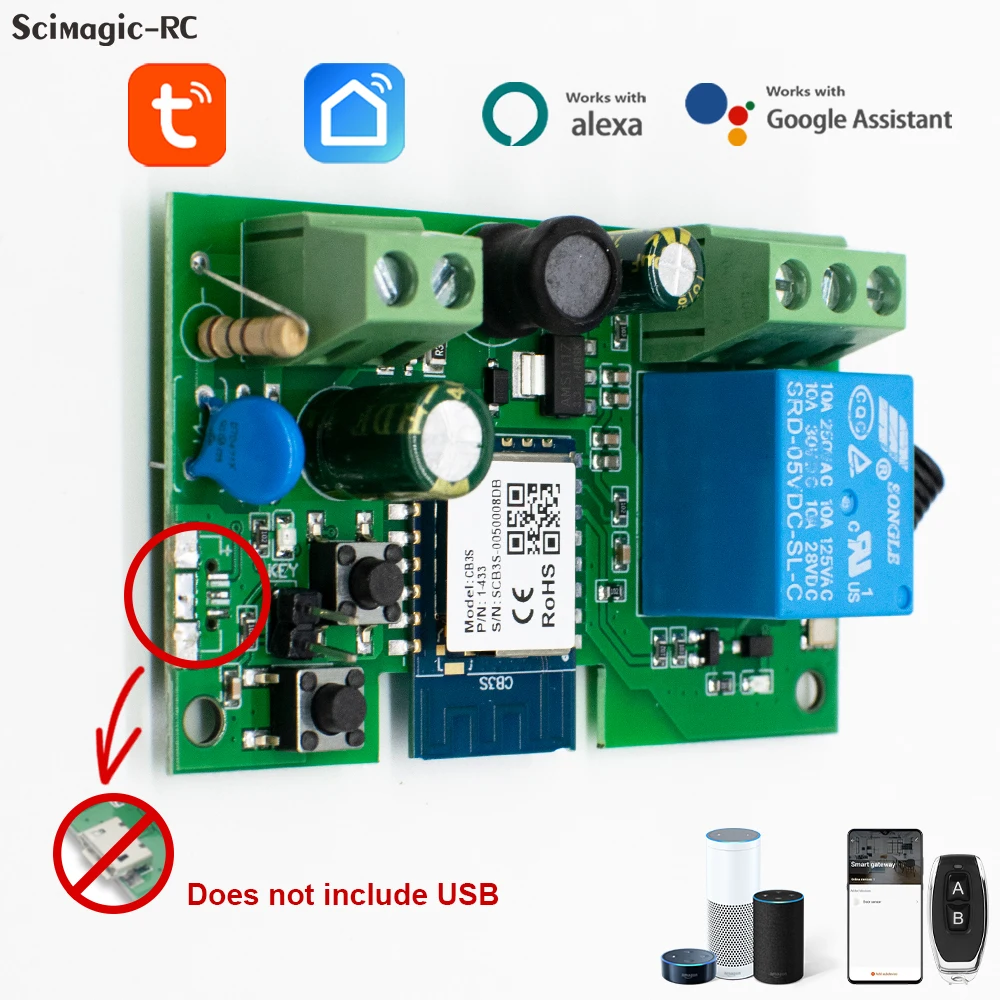
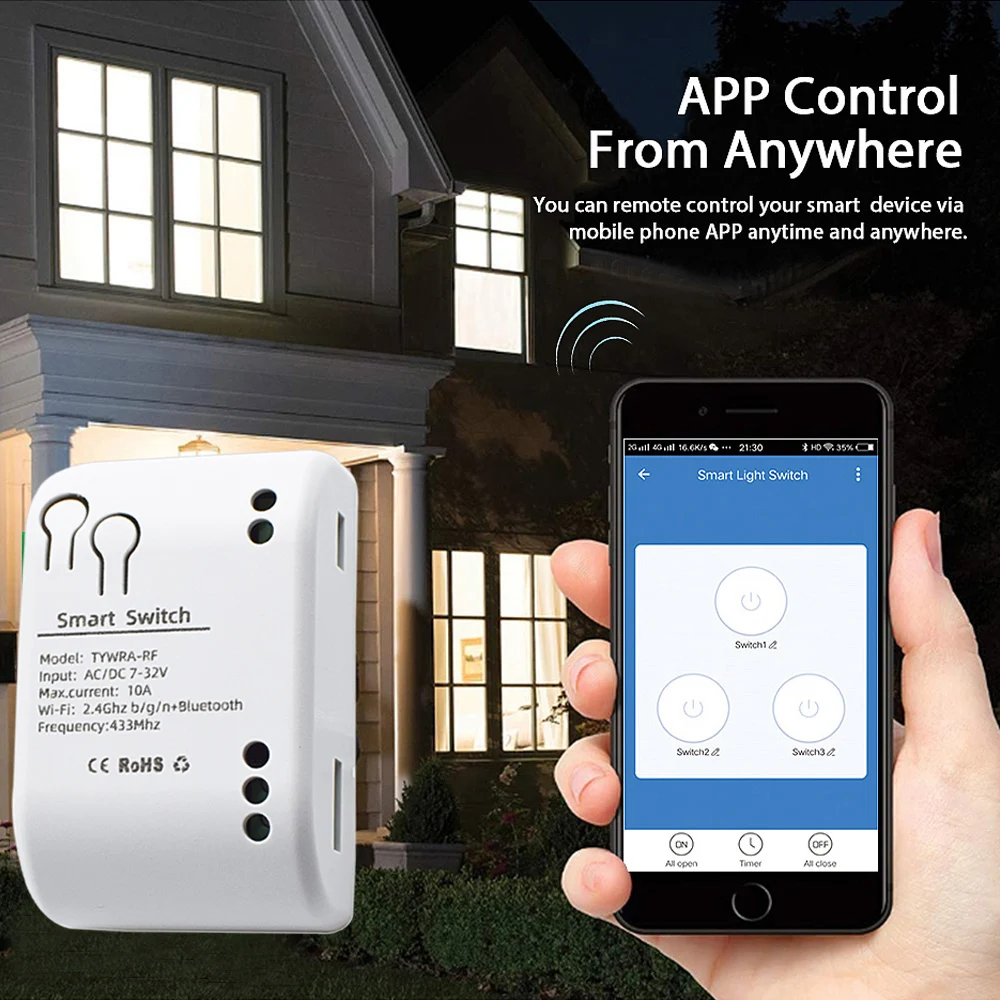
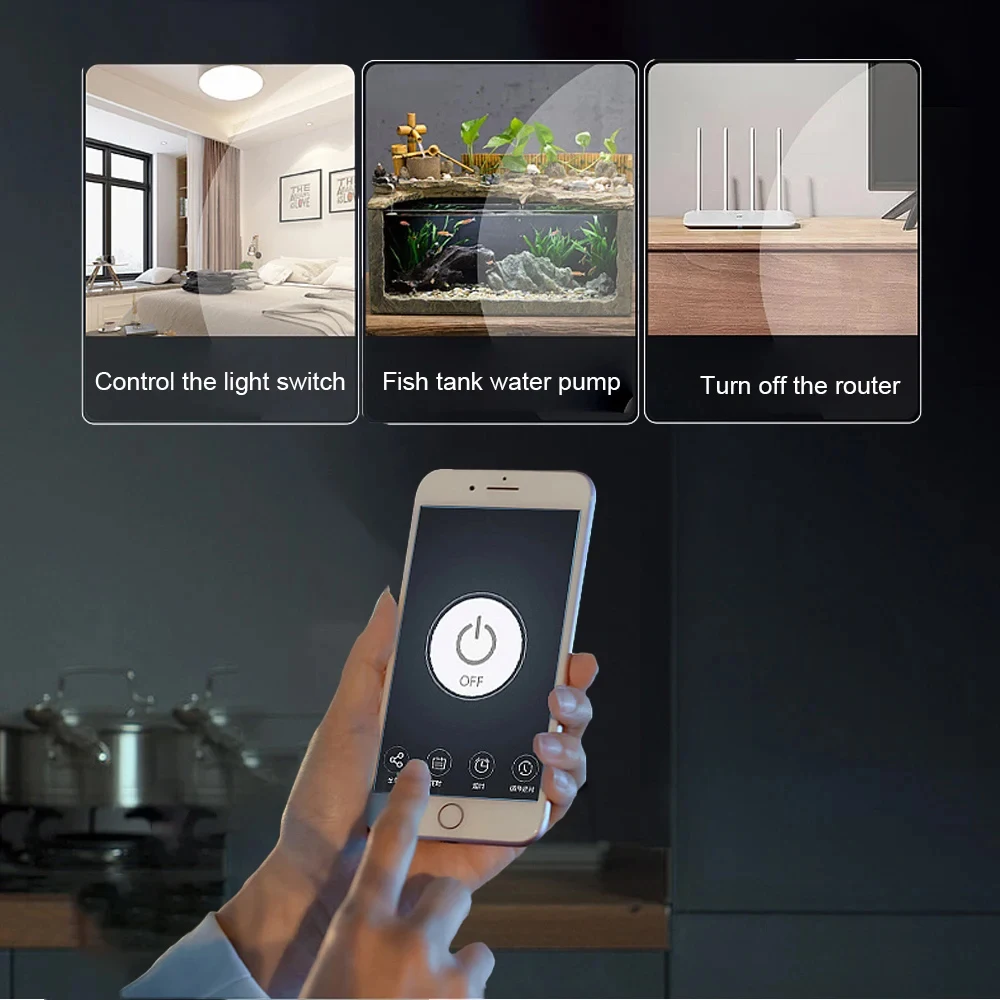
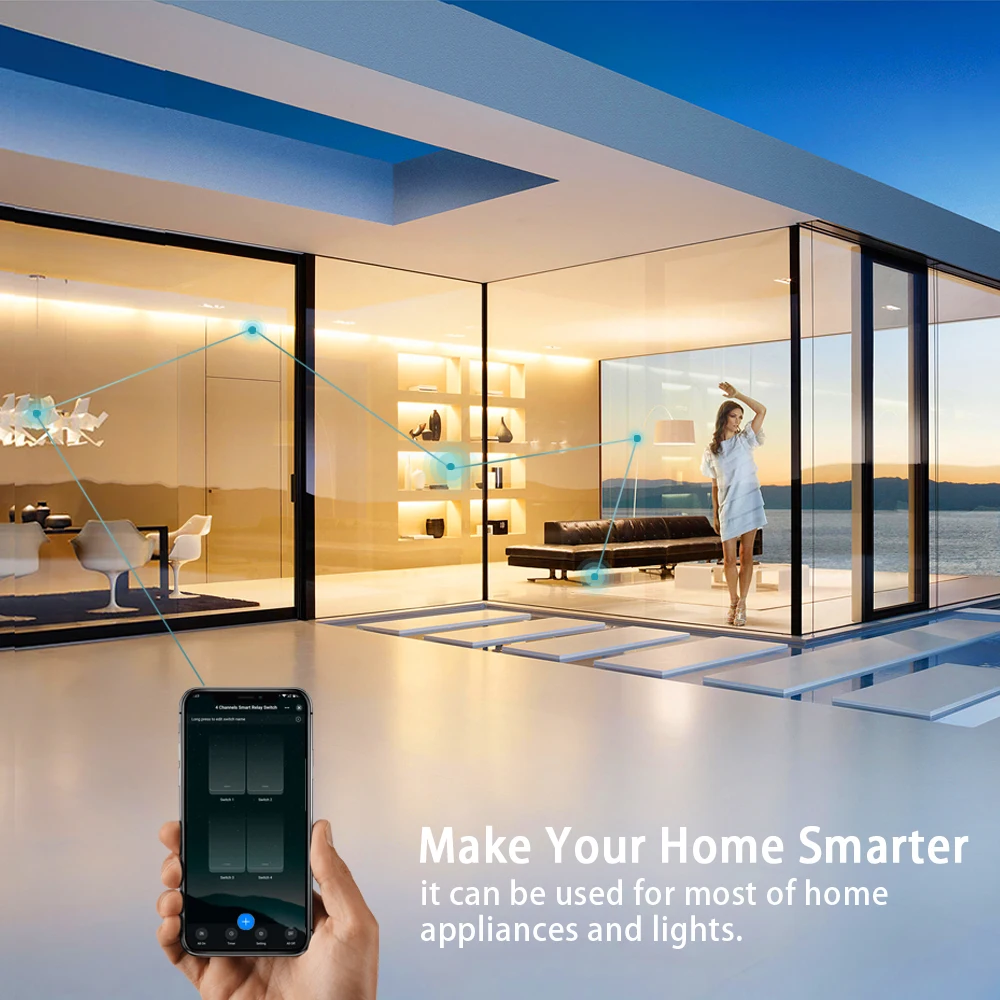
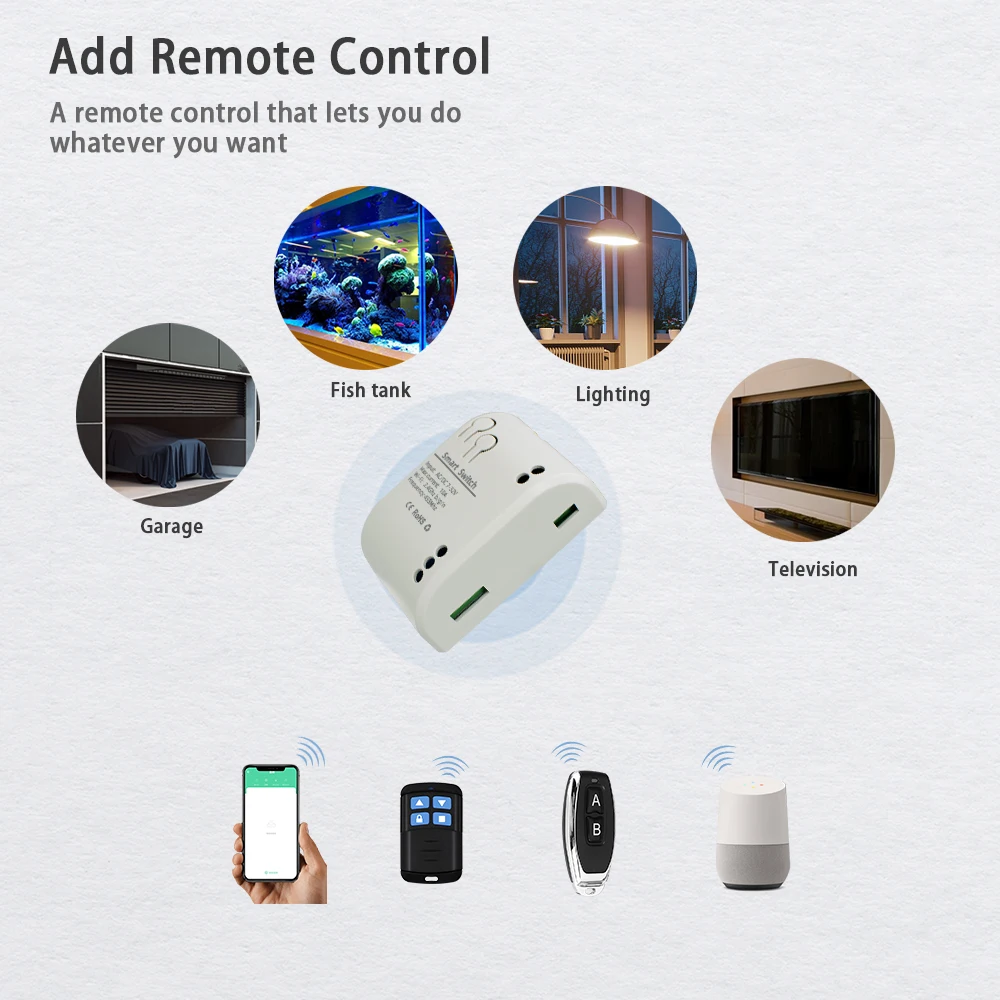
This product is a wireless momentary(inching) switch. Users can add the device to the APP in order to remotely control connected home appliances or power circuits.
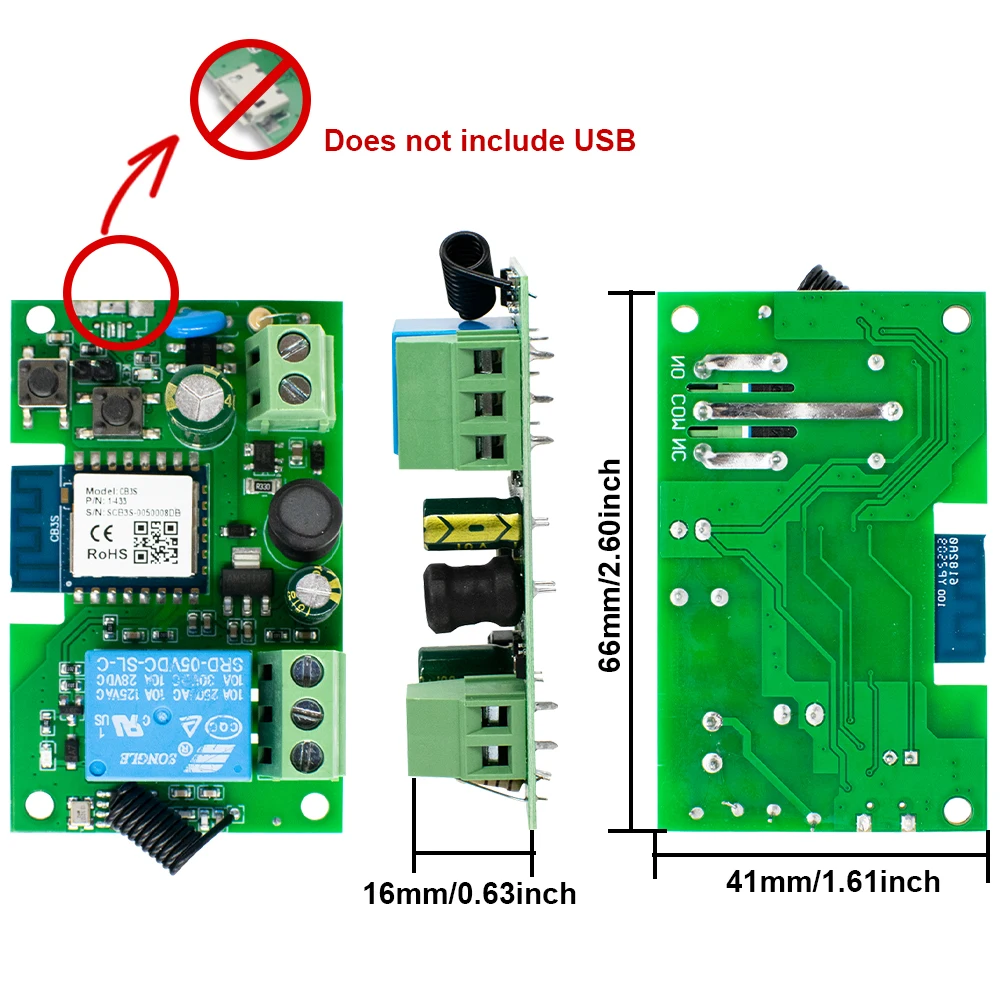
Note:The relays are switches without output, the power supply input (DC) just for the PCBA.
Special Reminder:
The latest version does not support USB 5V voltage input.
We default to sending the latest version.
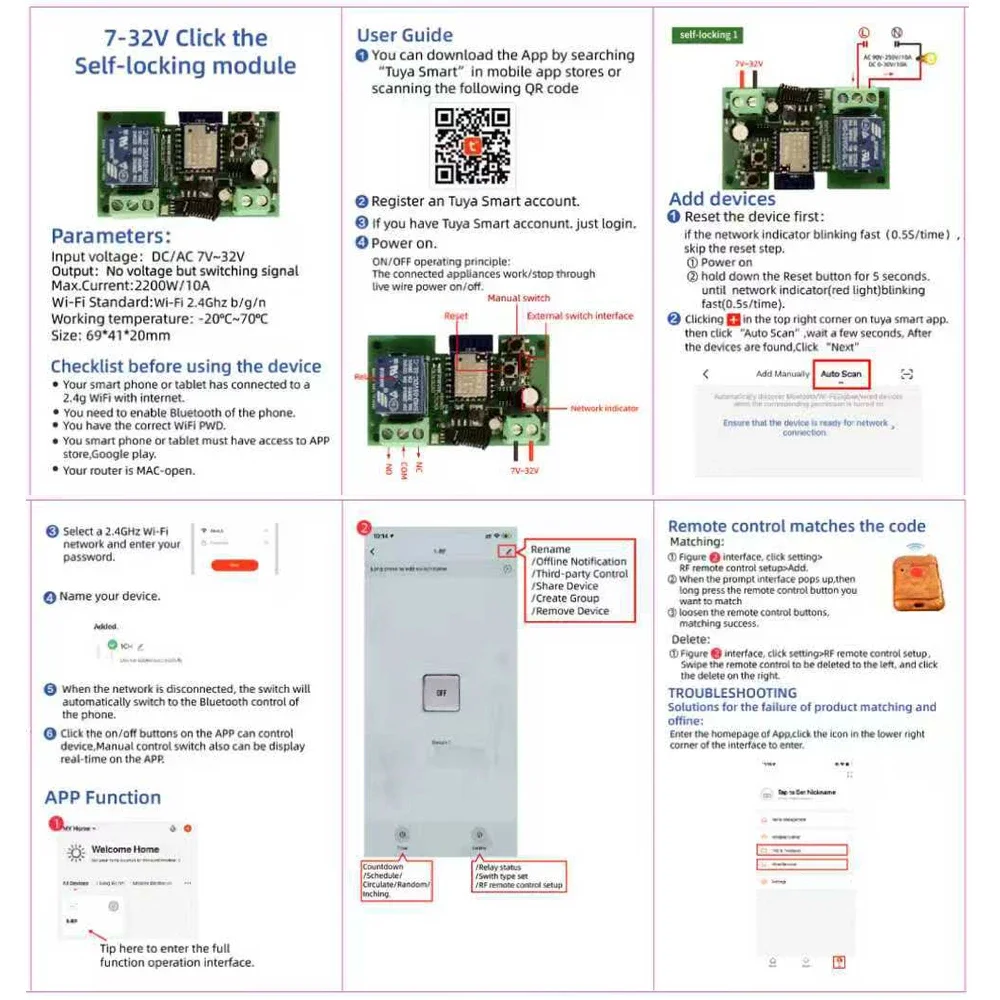
Supported functions include:
Supported functions include:
*Remote turn on/off
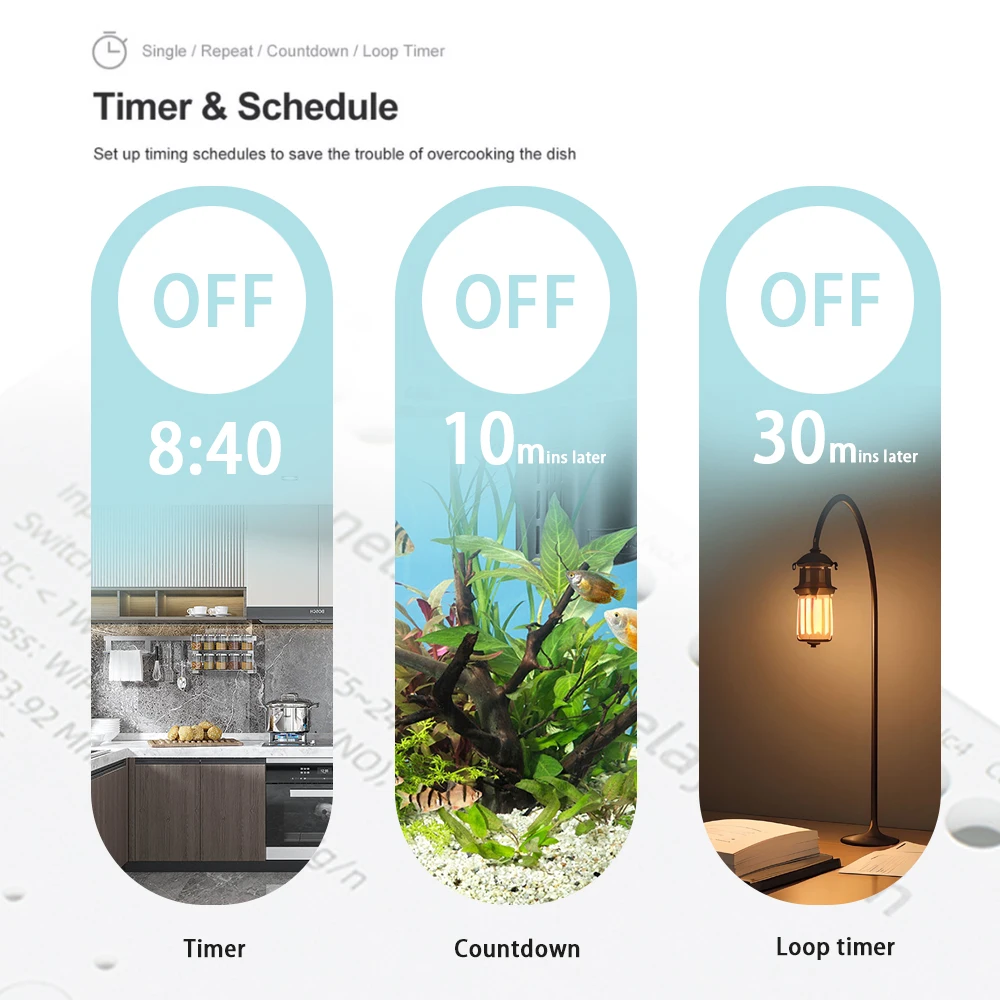
*Timing Schedules
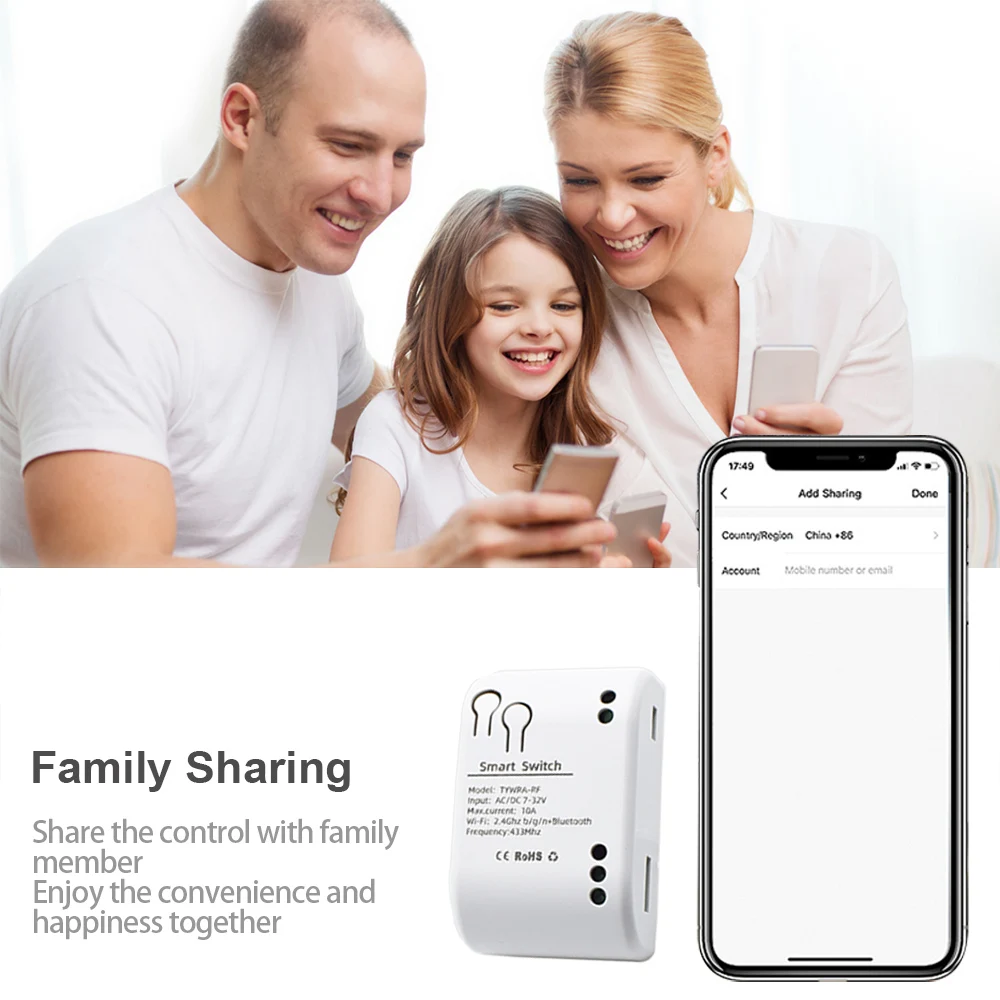
*Device Sharing
*Group Management
*Works with Amazon Echo, Echo Dot, Amazon Tap
*Works with Google Home
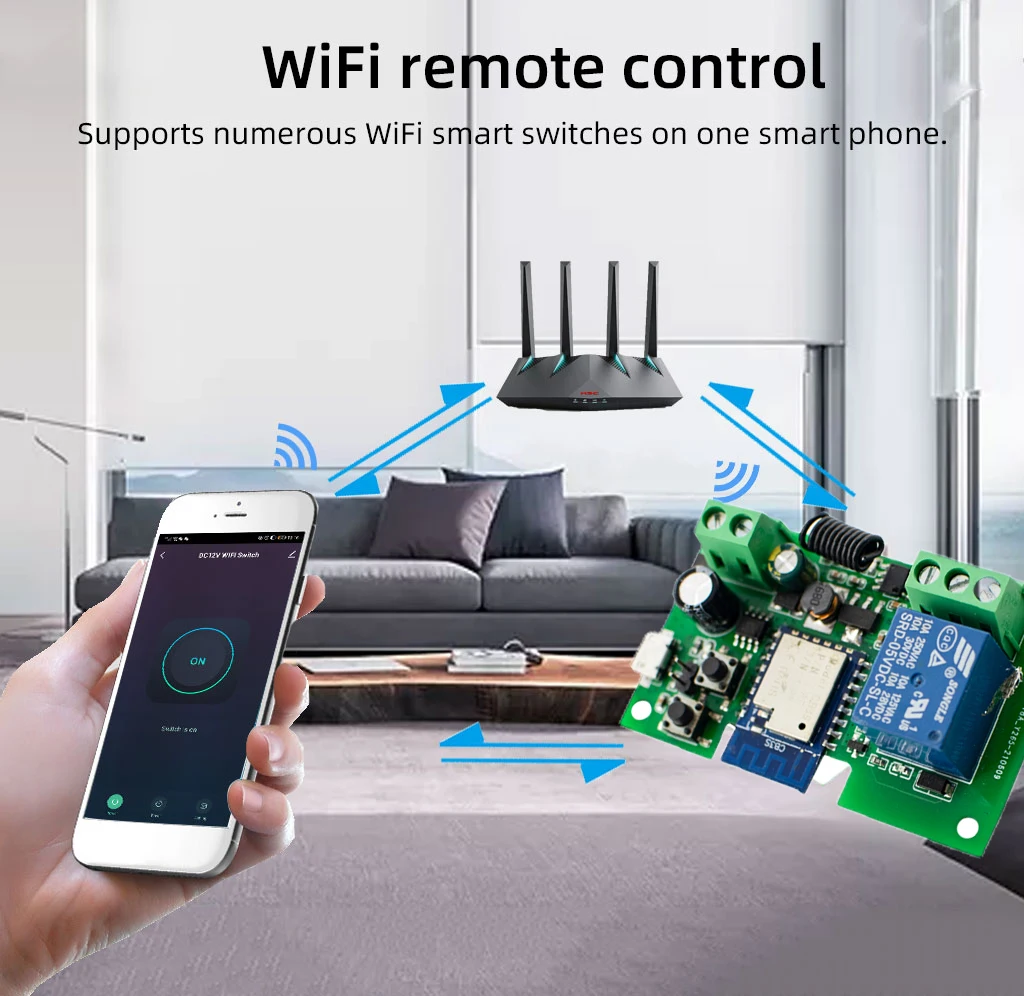
Remote Control
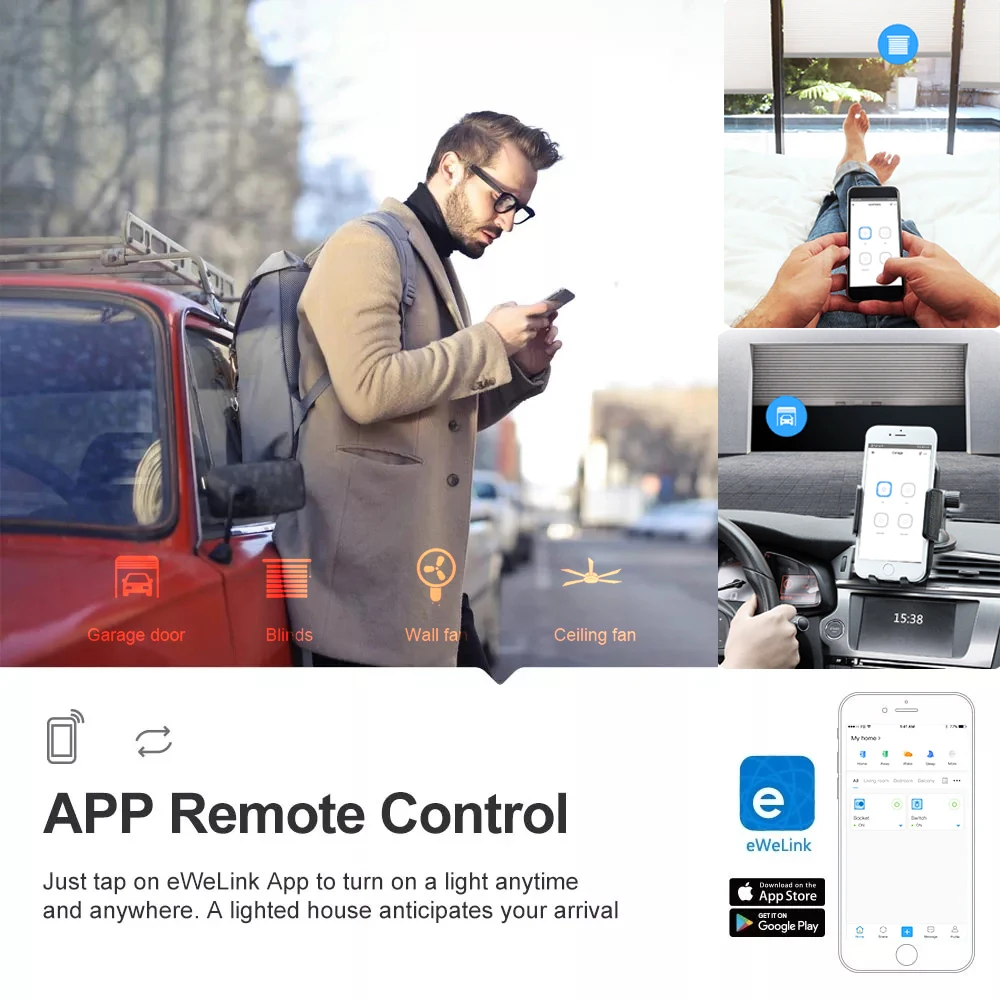
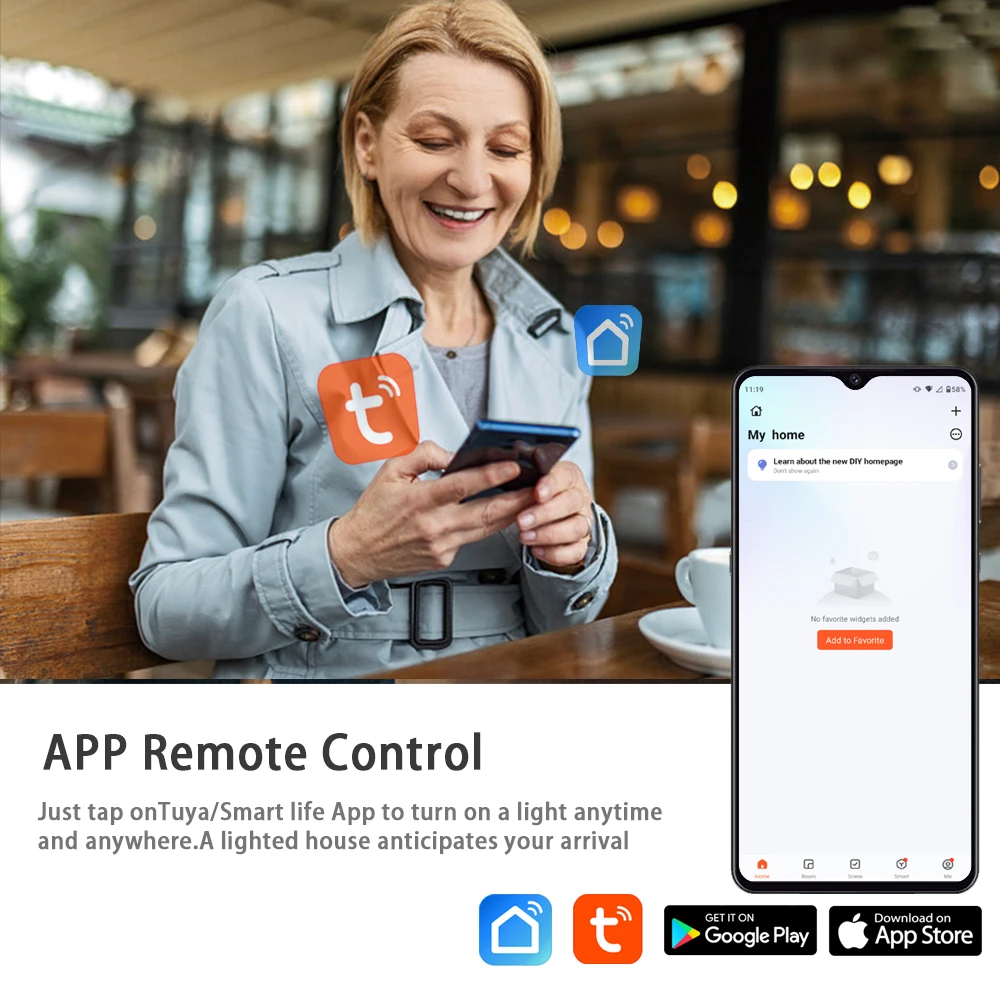
The product enables remote control of home appliances through the APP , available on both Android and iOS.

Inching mode
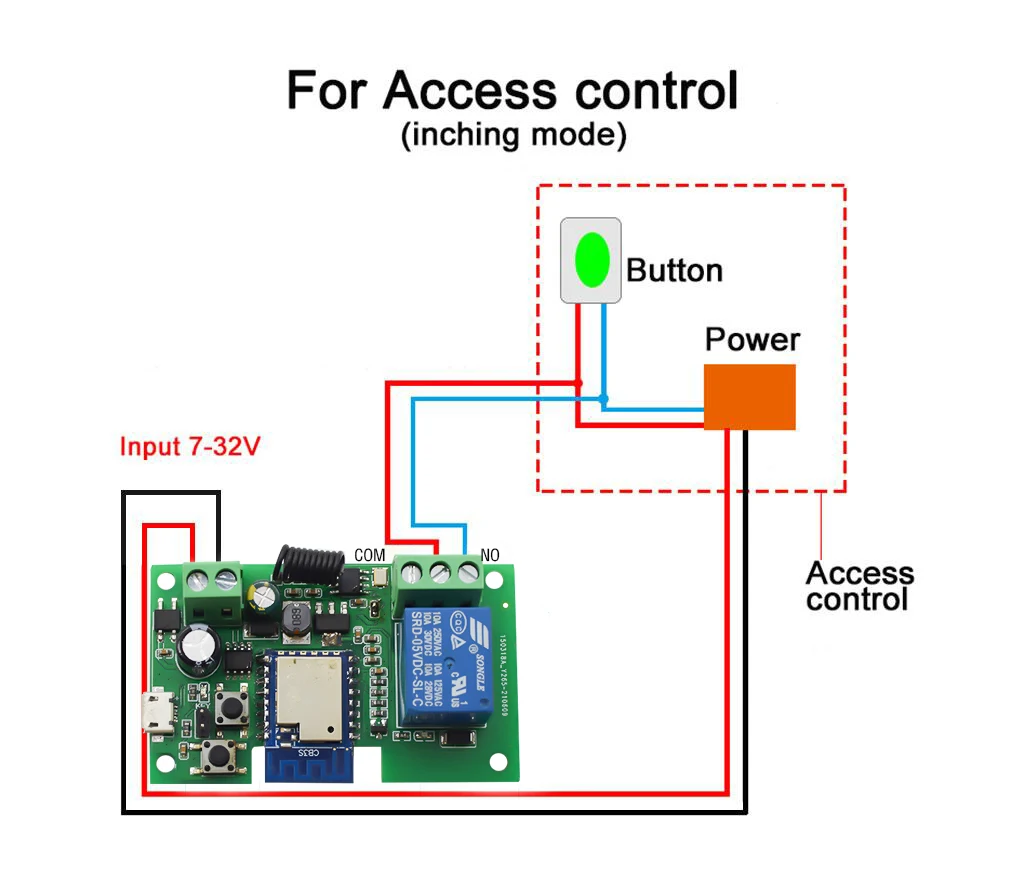
In inching mode, you can have two wiring ways to select: -Turn on 2s and then auto-off /Turn off 2s and then auto-on.
How to change the Inching time on the APP?
Enabling this feature will put the device in an automatic state.Each time the device is switched on,it will automatically switch off after a set period of time. The time range is 1-3659s.
Schedule

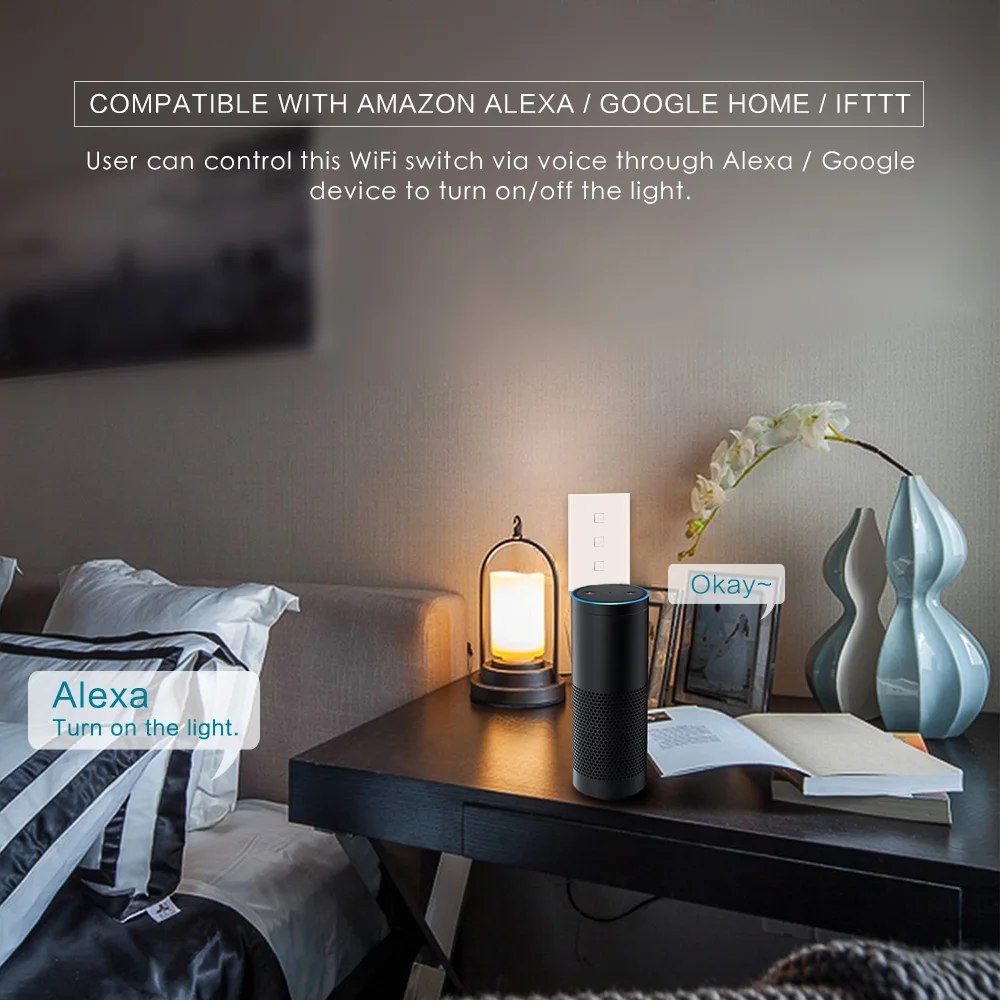
Work with Alexa and Google Home
This product is compatible with Amazon Alexa. You can ask Alexa to control the device with the following voice commands.
Try out these phrases ( {deviceName} should be the name of your device):
“Alexa, turn on {deviceName}”
“Alexa, turn off {deviceName}”
“Alexa, schalte Ger?tename ein”
“Alexa, schalte Ger?tename aus”
Also you can ask Google Home to control the device with the following voice commands.
“hey, google, turn on {deviceName}”
“OK, google, turn off {deviceName}”

Specifications:
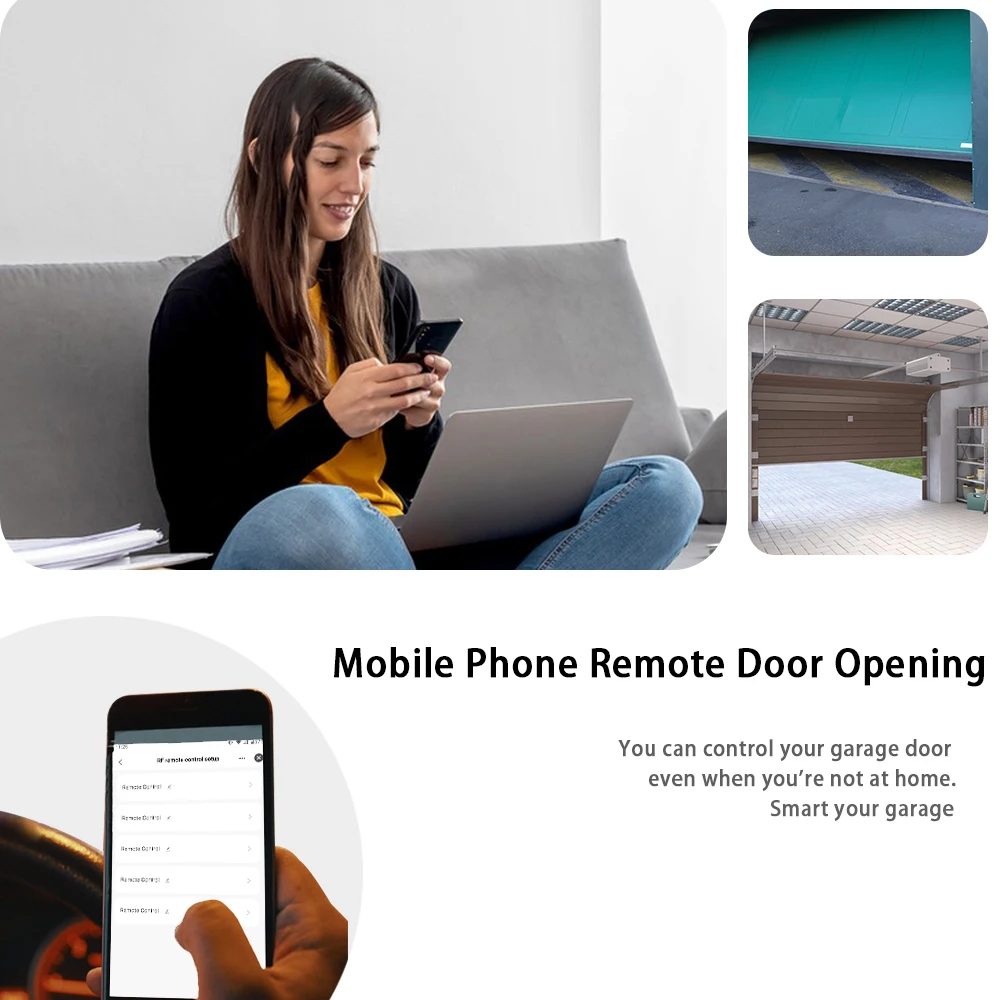
For Access Control
For Electric Motor Lock



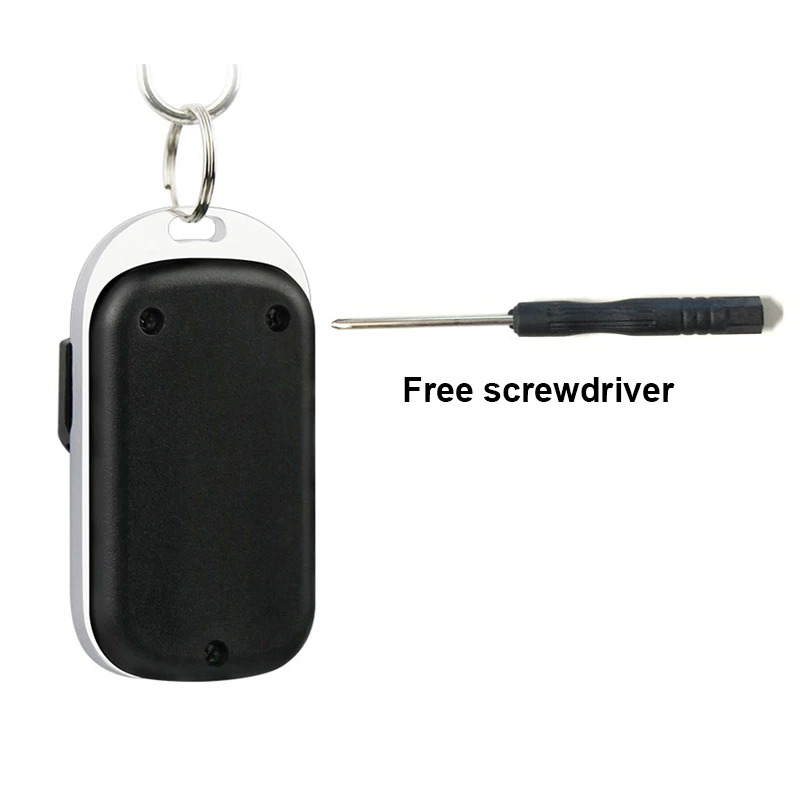
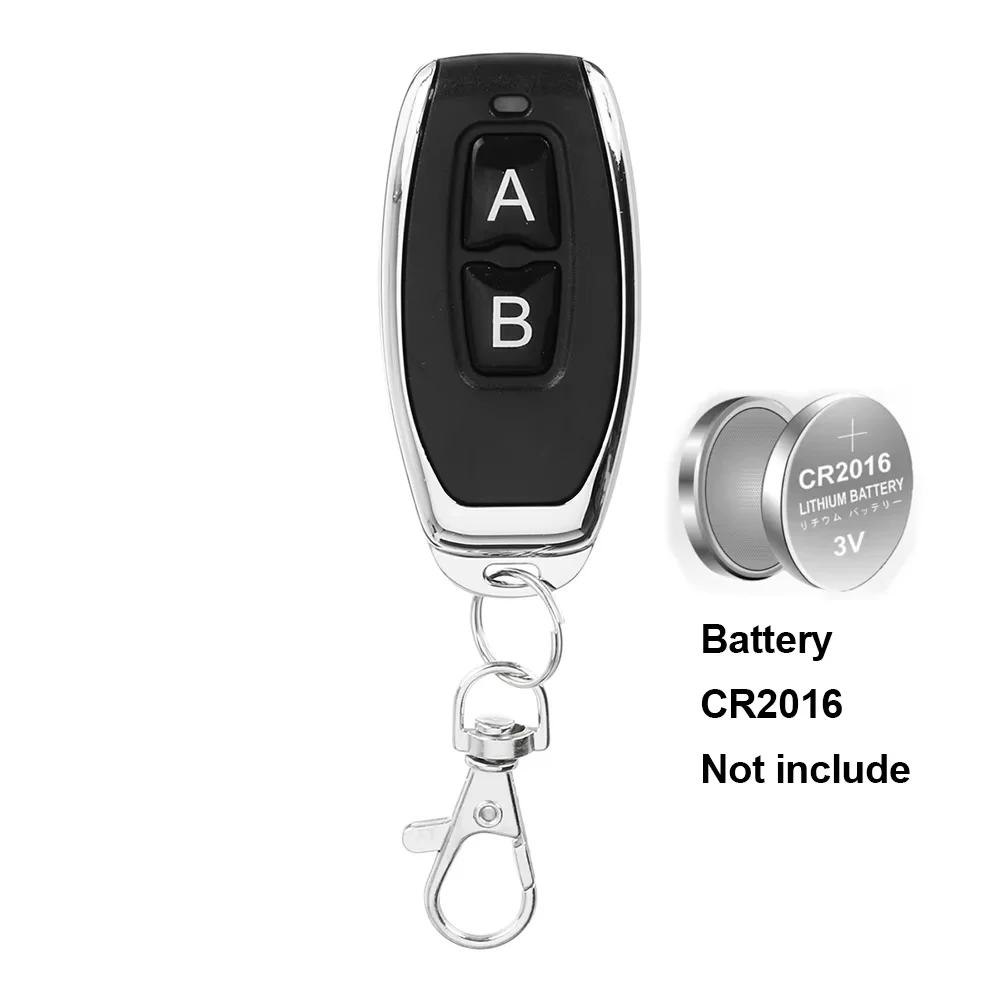
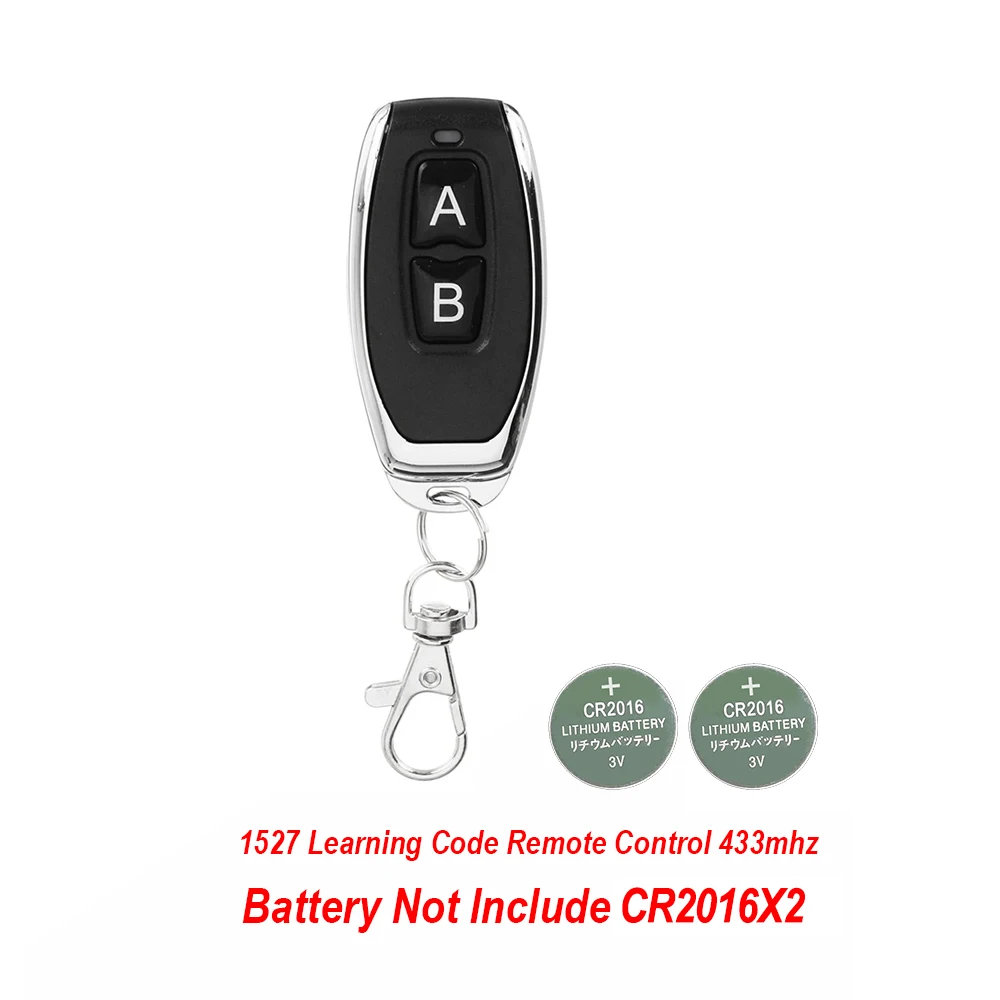
433MHz1527 learning code remote control
Remote Control Without Battery (12V 23A) (2pcs CR2016)
1xScrewdriver

Product features
Product features
Materials and care
Materials and care
Merchandising tips
Merchandising tips


Total items
Product subtotal